
How to Choose the Right Home Security System
Start by walking your property to spot weak doors, windows, garage access, and dark approaches, then rank what matters most—people, valuables, or quiet alerts. Match monitoring (professional vs. self) to your response needs and budget, and pick wired, wireless, or hybrid based on reliability and installation. Choose sensors and cameras for key entry points, guarantee smart‑home compatibility, and factor ongoing fees, warranties, and aesthetics; keep going and you’ll get practical setup and maintenance tips.
Assessing Your Home’s Vulnerabilities
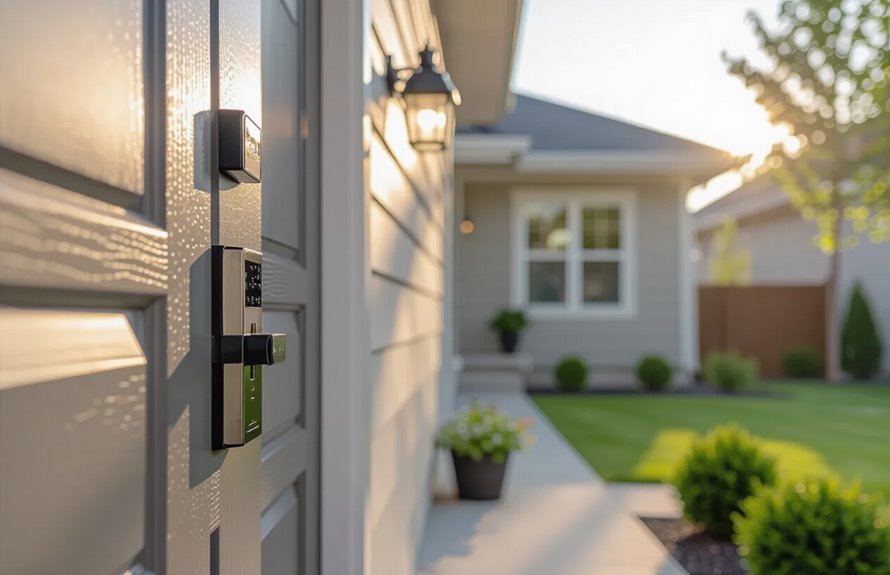
Before you pick cameras or alarms, take a clear look at where your home’s weak points are: check all entry points (doors, windows, garage), note poorly lit or hidden areas, and consider which rooms store valuables.
You’ll perform a vulnerability assessment by walking every perimeter, testing locks, and noting visibility from neighbors or streets.
Use simple risk analysis to rank threats: easy access, valuable targets, and blind spots. That lets you choose defenses that match real exposure instead of impulse buys.
Record findings, prioritize fixes like lighting or reinforced locks, and plan sensors where they’ll matter most.
Identifying Your Security Priorities
Start by listing your primary entry points—doors, windows, garages—so you know where to focus sensors and locks.
Note which rooms hold valuables or sensitive items and prioritize protection there.
Then map your home into zones (ground floor, bedrooms, outbuildings) to tailor monitoring and response for each area.
Home Entry Points
When you assess your home’s entry points, focus on doors, windows, garage access, and any secondary openings like basements or sliding patio doors that intruders could use; map these out by frequency of use, visibility from the street, and how easily they can be forced or bypassed.
Prioritize entry point security by listing high-risk spots first. Inspect doors for weak frames, loose strike plates, or aging locks and plan door reinforcement where needed.
Note ground-level windows, poorly lit approaches, and side gates. Use this prioritized map to choose sensors, cameras, lighting, and reinforcement that match each specific vulnerability.
Valuables and Zones
Think about what you value most and where those items are located — that will shape your protection plan.
You’ll do a valuables assessment to list jewelry, documents, electronics, and heirlooms, noting room and display locations.
Then use zone mapping to group high-risk areas (bedrooms, safe room), medium-risk (living area), and low-risk (garage).
Prioritize sensors, motion detectors, and cameras accordingly.
Balance cost and coverage: protect high-value zones first, then expand.
Review and update the assessment annually or after changes.
Clear priorities help you choose sensors, monitoring levels, and storage solutions that fit your needs.
- List valuables
- Map zones
- Prioritize protection
- Review yearly
Comparing Professional Monitoring vs. Self-Monitoring
You’ll want to weigh how quickly alarms get a professional response versus how reliably you can act on alerts yourself.
Professional monitoring often guarantees faster emergency dispatch but costs more, while self-monitoring gives you control and lower fees but can risk slower or missed responses.
Think about whether you prioritize rapid, consistent response or tight control and savings.
Response Times and Reliability
How fast will help arrive if an alarm goes off? You want clear response time benchmarks and solid reliability assessments to decide between professional monitoring and self-monitoring. Consider these practical points:
- Professional centers often log average dispatch times and meet industry response time benchmarks.
- Self-monitoring depends on your availability; your personal reaction time becomes the key reliability metric.
- Redundant communication paths (cell, Wi‑Fi, cellular backup) improve reliability assessments for either option.
- Check provider incident reports and user reviews to verify real-world response and system uptime before committing.
Cost and Control Tradeoffs
Although a professionally monitored system usually costs more monthly, it gives you hands-off protection and guaranteed dispatch protocols, while self-monitoring saves money but puts the burden of response squarely on you.
Decide based on budget constraints, daily availability, and comfort with tech. If you travel or sleep deeply, professional monitoring reduces missed alerts.
If you want granular control features, remote app access and customizable alerts let you act fast and avoid fees.
Remember false alarms: pros may handle verification to prevent fines, while you’ll manage cancellations.
Balance monthly costs against the peace of mind and responsiveness you need.
Evaluating Wired, Wireless, and Hybrid Systems
Which system fits your home best depends on your priorities—reliability, flexibility, or ease of installation.
You’ll weigh wired system benefits like strong performance reliability and lower interference against wireless system drawbacks such as signal vulnerabilities and battery upkeep.
Hybrid system flexibility lets you mix hardwired cores with wireless sensors to balance installation challenges and maintenance requirements.
- Wired: durable, less interference, higher installation challenges.
- Wireless: easy install, watch for battery and signal issues.
- Hybrid: best compromise, pick wired for critical zones.
- Evaluate costs, upkeep, and emergency backup before deciding.
Understanding Smart Home Integration
When you pick a security system, check which devices it actually works with so you don’t end up with incompatible cameras or smart locks.
Set up clear automation rules so sensors, alerts, and lights act the way you want without constant fiddling.
Also review privacy and data controls to know who can access your footage and how long it’s stored.
Device Compatibility
Because your home probably already has a mix of smart devices, you’ll want a security system that plays nicely with what you own and plan to add.
You’ll face device compatibility challenges—different protocols, apps, and firmware versions—but you can focus on device compatibility solutions that simplify setup and reduce conflicts.
Check protocol support (Zigbee, Z-Wave, Wi‑Fi), confirm vendor interoperability, and prefer systems with a unified app or open APIs.
Also verify firmware update policies and third‑party integrations so your setup stays secure and manageable.
- Protocol support
- Vendor interoperability
- Unified app/API
- Firmware/update policies
Automation Rules
After confirming your devices talk to each other, you’ll want automation rules that make them act together without you micromanaging every trigger.
You’ll set routines—arm sensors at night, turn lights on with motion, shut garage when doors lock—and tie them into smart home integration platforms you already use.
Focus on simple, reliable rules: clear triggers, single outcomes, and fallback actions if a device fails.
Consider automation benefits like reduced false alarms and hands-free safety.
Test each rule, watch behavior for a week, and adjust timings or conditions so your system supports everyday life instead of adding complexity.
Privacy & Data Controls
Many smart devices collect more than you expect, so decide up front what data you’ll allow, where it’s stored, and who can access it.
You’ll want to check vendors for strong data encryption, clear user permissions, and opt-out choices. Limit cloud retention, prefer local storage when practical, and require unique accounts with two-factor authentication.
Review privacy policies and firmware update practices before buying.
- Verify end-to-end data encryption and secure firmware updates.
- Set granular user permissions for family and guests.
- Choose local-first storage or short cloud retention.
- Regularly audit connected devices and revoke unused access.
Choosing Sensors: Door, Window, Motion, and Glass-Break
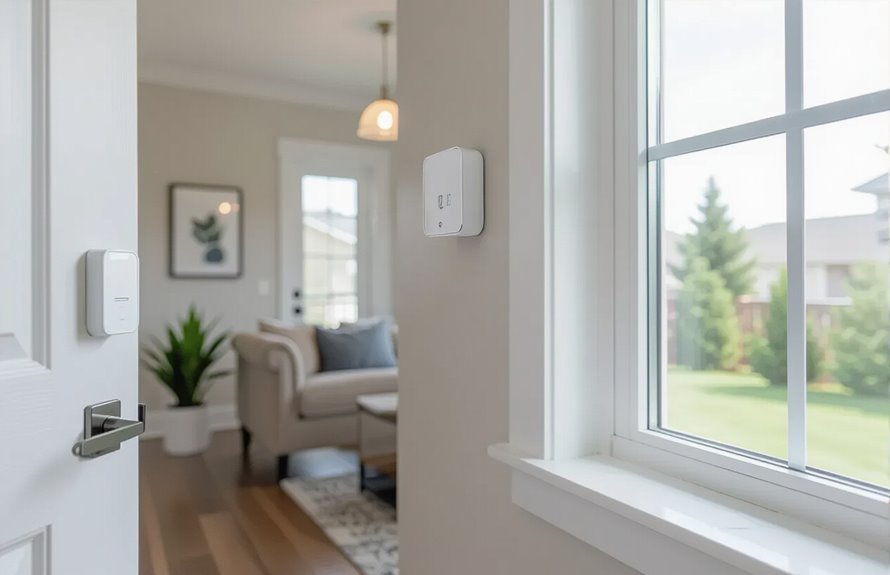
When you pick sensors for doors, windows, motion paths, and glass-break events, focus on coverage, placement, and false-alarm resistance.
You’ll choose sensor types: contact sensors for doors and windows, passive infrared or dual-technology motion detectors for rooms and hallways, and acoustic or shock glass-break sensors for panes.
Consider sensor placement carefully to cover entry points, blind spots, and high-value areas while avoiding vents, curtains, or busy appliance zones that trigger false alarms.
Test ranges, adjust sensitivity, and stagger motion fields to prevent overlap.
Pair sensors with a central panel or hub that supports firmware updates and battery monitoring.
Selecting Cameras: Indoor, Outdoor, and Doorbell Options
Now you’ll compare indoor and outdoor cameras to decide which suit each area of your home, focusing on weather resistance, field of view, and night vision.
You’ll also weigh doorbell camera features like two-way audio, package detection, and subscription requirements.
These choices help you balance coverage, privacy, and ongoing costs.
Indoor vs. Outdoor Cameras
Curious which camera type fits your home best? You’ll weigh indoor camera features like motion zones, two-way audio, and easier placement against outdoor camera benefits such as weatherproofing, wider coverage, and deterrent visibility.
Pick indoor units for monitoring kids, pets, or valuables inside; choose outdoor for driveways, yards, and entry approaches.
- Consider placement: indoor for rooms, outdoor for perimeter.
- Power and connectivity: wired or battery options affect installation.
- Image needs: indoor may prioritize close-up detail; outdoor needs range and night vision.
- Budget and maintenance: outdoor often costs more and needs upkeep.
Doorbell Camera Features
Why choose a doorbell camera? You get doorstep visibility with high video quality and night vision so you won’t miss deliveries or visitors after dark.
Look for reliable motion detection that reduces false alerts and two way audio to speak without opening the door.
Evaluate the installation process—battery, wired, or professional setup—so it fits your home.
Check cloud storage plans and local options for clip retention and access.
Review privacy settings to control who sees footage and when.
Finally, prefer models with clear customization options for zones, alerts, and integration with other indoor and outdoor cameras.
Considering Environmental Sensors: Smoke, CO, and Flood
How will you protect your home from hazards that don’t involve an intruder? You’ll want environmental monitoring that detects threats early.
Choose reliable smoke detectors and carbon monoxide alarms, and add flood sensors where leaks might start. Prioritize devices that alert your phone and authorities automatically.
- Place smoke detectors in every sleeping area and common space.
- Install carbon monoxide units near bedrooms and fuel appliances.
- Put flood sensors by water heaters, washers, and sump pumps.
- Test sensors monthly and replace units per manufacturer recommendations to guarantee continuous protection.
Power and Connectivity: Batteries, Backup Power, and Internet Reliability
When the power goes out or your internet drops, your security system won’t protect you unless you’ve planned for backup power and reliable connectivity.
Make sure batteries are fresh, a robust backup (like a UPS or generator) can run critical equipment, and you have failover internet options so alarms and cameras stay online.
You should evaluate power sources for panels and sensors, check battery life specs, and choose backup systems that match runtime needs.
Compare connectivity options — wired, cellular, or dual-path — and verify internet stability.
Also prioritize network security to protect remote access and firmware updates from being compromised.
Alarm Response: Local Alarms, Dispatch, and Silent Alerts
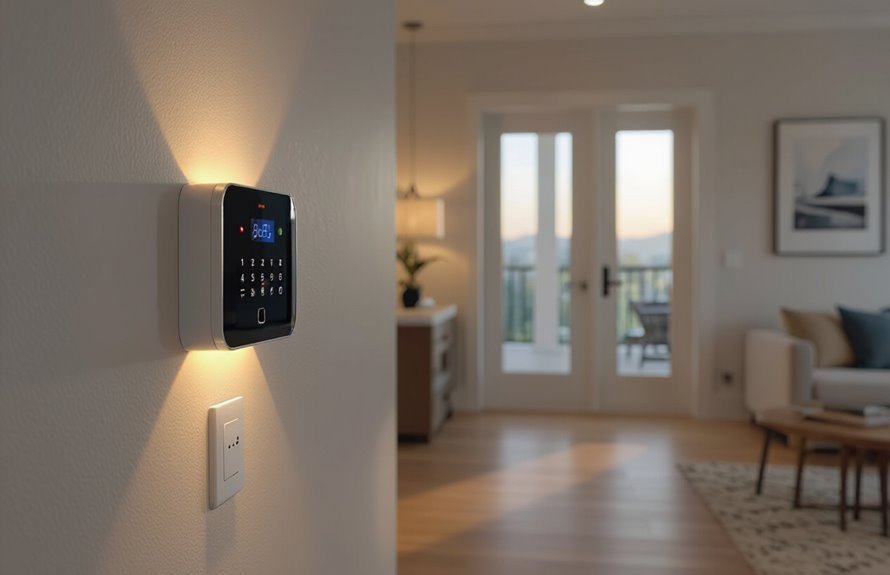
If you want your system to do more than blare a siren, understand the different alarm response options and what they actually trigger: local alarms warn neighbors and deter intruders, monitored systems notify a central station that can dispatch emergency services, and silent alerts send discreet notifications to you or designated contacts without tipping off an intruder.
Choose based on risk tolerance and response speed. Consider false-alarm protocols and local police policies for dispatch services. Silent alerts help when you need covert help. Local alarms boost alarm effectiveness by providing immediate, visible deterrence.
- Evaluate police response times
- Check false-alarm fees
- Balance deterrence vs stealth
- Confirm monitoring agreements
Mobile App Features and Remote Access Needs
You’ll want an app that sends real-time alerts so you know immediately when something happens at home.
Make sure it also lets you arm and disarm the system remotely so you can control security from anywhere.
Check that notifications are reliable and controls are quick to avoid missed events or delays.
Real-time Alerts
Because incidents can happen anytime, real-time alerts are the backbone of an effective mobile app for home security—sending instant, actionable notifications lets you respond fast, whether that’s arming the system remotely, checking a live camera feed, or calling emergency services.
You want reliable real time notifications and instant alerts that reach you without delay, let you see what’s happening, and let you prioritize responses. Look for customizable triggers, low false-alarm rates, and quick media links.
Consider battery and connectivity backups so alerts arrive during outages.
- Customizable thresholds
- Video snapshot links
- Priority and do-not-disturb modes
- Backup delivery routes
Remote Arm/Disarm
Want to arm or disarm your system from anywhere with a tap on your phone? You’ll appreciate remote access that’s simple, fast, and secure.
Choose a system with reliable mobile control, clear app layout, and two-factor authentication to prevent unauthorized use. Look for instant status updates so you know if doors or sensors are active before leaving.
Consider user permissions for family or service staff and temporary codes for guests. Test app responsiveness on your network and when you’re away.
Prioritize providers with regular app updates and strong encryption to keep your system under your control wherever you are.
Privacy and Data Security Considerations
How will your camera feeds, motion logs, and personal data be stored and who’ll be able to access them?
You should verify data encryption, clear privacy policies, and explicit user consent before buying.
Check data retention limits, who can request your personal information, and how the provider prevents data breaches.
Confirm compliance with surveillance regulations and whether the company updates cyber security measures.
- Ask about end-to-end data encryption.
- Require written user consent terms.
- Verify retention schedules and deletion processes.
- Review breach notification policies and regulatory compliance.
Installation Options: DIY vs. Professional Installation
After you’ve confirmed how providers handle your data, the next decision is who’ll set up the system: you or a pro.
You’ll weigh DIY installation against Professional installation. With DIY installation you save money and control timing, but you must follow instructions carefully, handle wiring or mounting, and troubleshoot issues yourself.
Professional installation costs more but gives you expert placement, tested connections, and often a warranty or support plan.
Consider your comfort with tools, time availability, and whether you want provider-managed monitoring activated during setup.
Choose the path that matches your skills, budget, and desired peace of mind.
Scalability and Future Upgrades
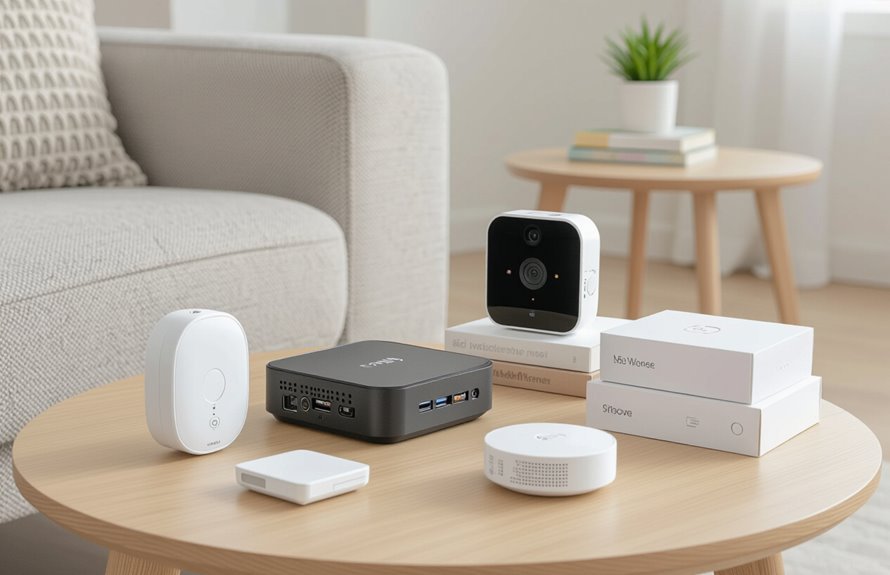
Consider how many devices you might add and whether your system can grow with you; pick a platform that supports extra sensors, cameras, and smart-home integrations without requiring a full replacement.
You’ll want modular upgrades and clear future proofing options so new tech fits easily. Evaluate compatibility, expansion limits, and whether firmware updates keep features current.
Ask about hub capacity and wireless protocols. Compare open ecosystems versus locked ones to avoid forced rip-and-replace.
- Check maximum device count and hub capability.
- Verify protocol support (Zigbee, Z-Wave, Wi‑Fi).
- Confirm OTA firmware and software updates.
- Prefer modular upgrades over proprietary bundles.
Contract Terms, Monitoring Fees, and Cancellation Policies
What’ll you actually pay over time and what commitments will bind you? You’ll compare service agreements to spot upfront costs, monthly monitoring options, and any equipment leases.
Look for contract flexibility—shorter terms or month-to-month plans lower risk if you move or change providers. Check cancellation fees and how they’re calculated; prorated refunds or waived penalties for transfers are better.
Ask whether monitoring options include alarm, medical, and video, plus self-monitoring choices that cut costs. Read fine print for early-termination clauses, auto-renewal, and required installers so you avoid surprises and pick a plan that fits your needs.
Warranty, Support, and Service Reliability
Getting clear on contract terms is only part of the picture; you’ll also want firm answers about warranties, customer support, and how reliably the company will manage service issues.
Check warranty coverage specifics — what’s covered, for how long, and what’s excluded. Ask about support options, hours, and response times.
Verify technician availability and average repair turnaround. Read reviews for real-world reliability.
- Ask for written warranty coverage details.
- Confirm 24/7 vs. business-hour support options.
- Check technician dispatch times and service guarantees.
- Seek customer reviews about repairs and follow-through.
Budgeting: Upfront Costs vs. Ongoing Expenses
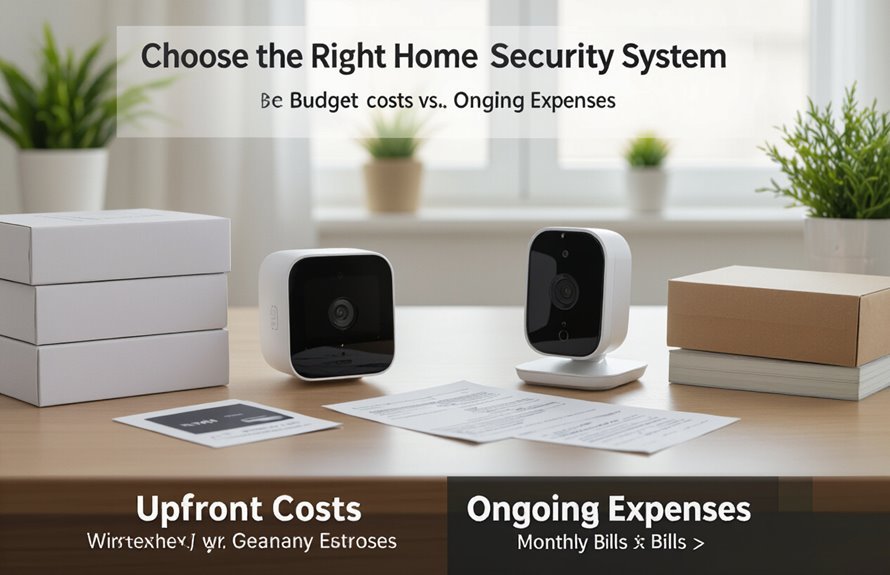
While upfront equipment and installation fees grab attention, you’ll also need to factor in ongoing costs like monitoring, maintenance, and potential contract renewal charges.
You should list upfront costs—hardware, professional install, activation—and compare that to recurring fees: monthly monitoring, cloud storage, and occasional repair or battery replacements.
Decide if you want a no-contract system or lower monthly fees with a long-term agreement. Calculate total yearly cost and spread over expected device life to judge value.
Don’t forget discounts, bundled services, and possible cancellation penalties so your budget reflects real ongoing expenses.
Aesthetics and Placement of Devices
Because your security system will live in plain sight, you should consider how devices look and where they’ll go as carefully as their functionality.
You want device aesthetics that blend with your decor and strategic placement that maximizes coverage without being obtrusive. Think about sightlines, wiring, and ease of access for maintenance.
Balance visible deterrents with discreet sensors where needed. Prioritize entrances and high-traffic areas while keeping cameras at tasteful heights.
- Match finishes to your home style.
- Hide wiring inside trim or conduits.
- Place sensors where pets won’t trigger them.
- Mount cameras for clear, unobstructed views.
Assessing Reputation: Reviews, Certifications, and Insurance Discounts
When you evaluate a security system, check user reviews, independent certifications, and potential insurance discounts to judge its real-world reliability and value. Look for consistent customer feedback across sources, note badges showing compliance with industry standards, and ask insurers about discounts tied to certified systems. Verified reviews reveal service response times; certifications confirm technical rigor. Compare systems by documented claims history and third-party testing. Use the table to summarize quick checks:
| Check | Why it matters |
|---|---|
| Customer feedback | Real experiences |
| Certifications | Meets industry standards |
| Insurance discounts | Lowers long-term cost |
| Response records | Service reliability |
Testing, Maintenance, and Regular System Audits
Reputation and certification tell you which systems have worked for others, but you still need to keep your chosen system performing reliably through regular testing, maintenance, and audits.
You should schedule checks, log issues, and act on user feedback to sustain system performance. Prioritize firmware updates, battery replacements, and sensor alignment. Conduct quarterly audits to verify coverage and emergency contacts.
- Test alarms and sensors monthly.
- Replace batteries and update firmware as needed.
- Review logs and user feedback after anomalies.
- Perform annual professional inspections and documentation audits.
Conclusion
You’ve done the homework — weighed vulnerabilities, priorities, monitoring, and costs — so trust what fits your life. Pick a system that balances protection with convenience, blends into your home, and links to the smart devices you already use. Read reviews, confirm certifications, and budget for upkeep. Test and audit regularly to keep defenses sharp. Like a well-tuned lock, the right setup should feel invisible until you need it most.